Projection
Media technician checklist before the service
- Author
- AdoraSync team
- Last updated
- Reading time
- 4 min read
- Projection
- Media technicians
- Checklist
Most technical hiccups in a service can be avoided with ten minutes of checking. This is a base list you can adapt to your church.
One day before
- Check that the program has all the songs, readings and announcements.
- Confirm that videos and images are already uploaded and look right.
- Ask the people in charge if any file is still missing.
When you arrive at church
- Turn on the projector and open the projection screen in full screen.
- Check the internet connection of the projector computer and of your phone.
- Test the audio of the videos that will be played.
- Advance a couple of slides from the remote control to confirm everything responds.
During the service
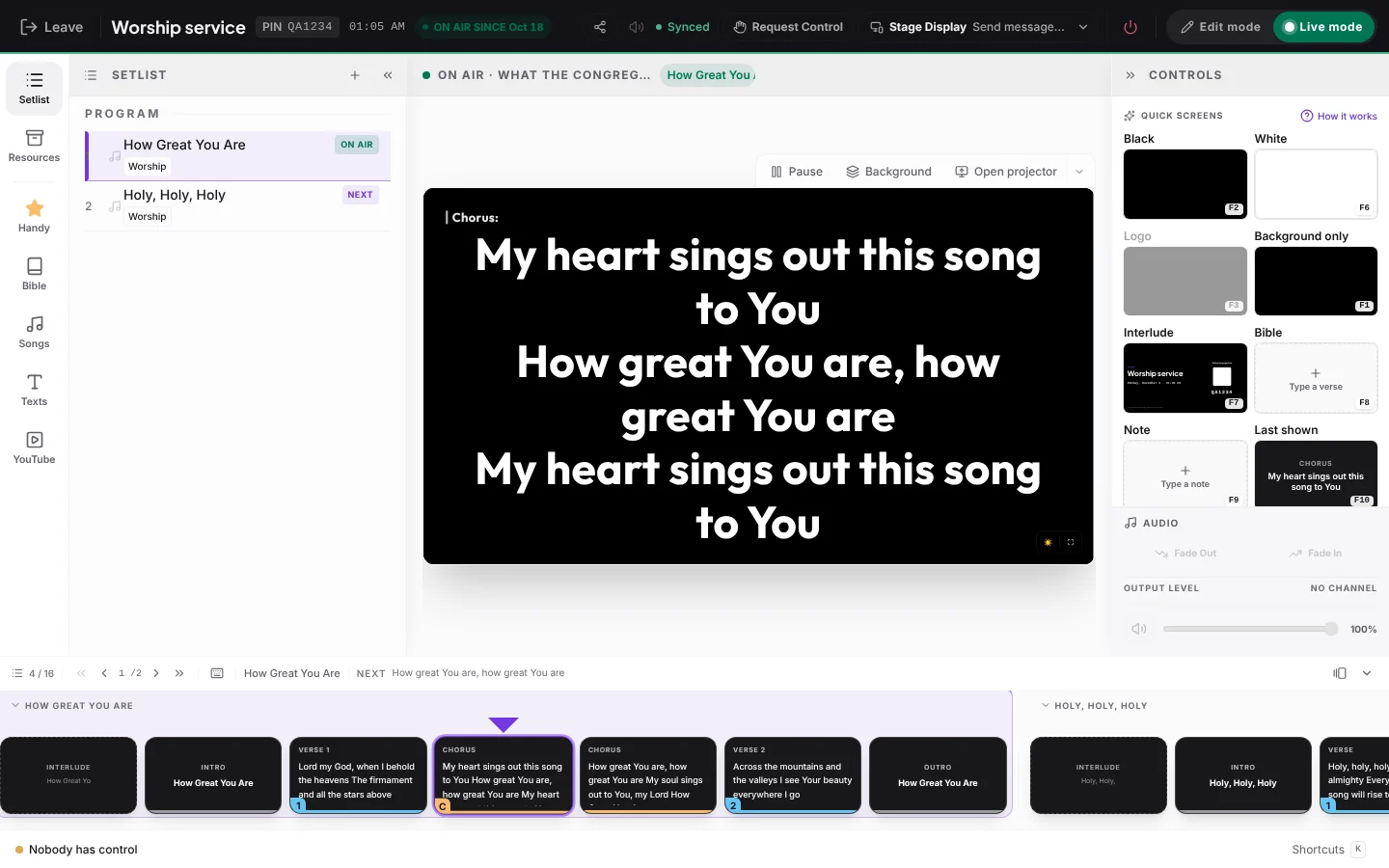
Keep the current item and the next one in view. Staying one step ahead is what makes the lyrics appear right when the team starts singing.
How to start today
Create your free AdoraSync account and build the program for your next service in minutes.
The step-by-step guide is in How to advance the service from your phone.