Projection
Projecting song lyrics from the browser: what you need
- Author
- AdoraSync team
- Last updated
- Reading time
- 4 min read
- Projection
- Media technicians
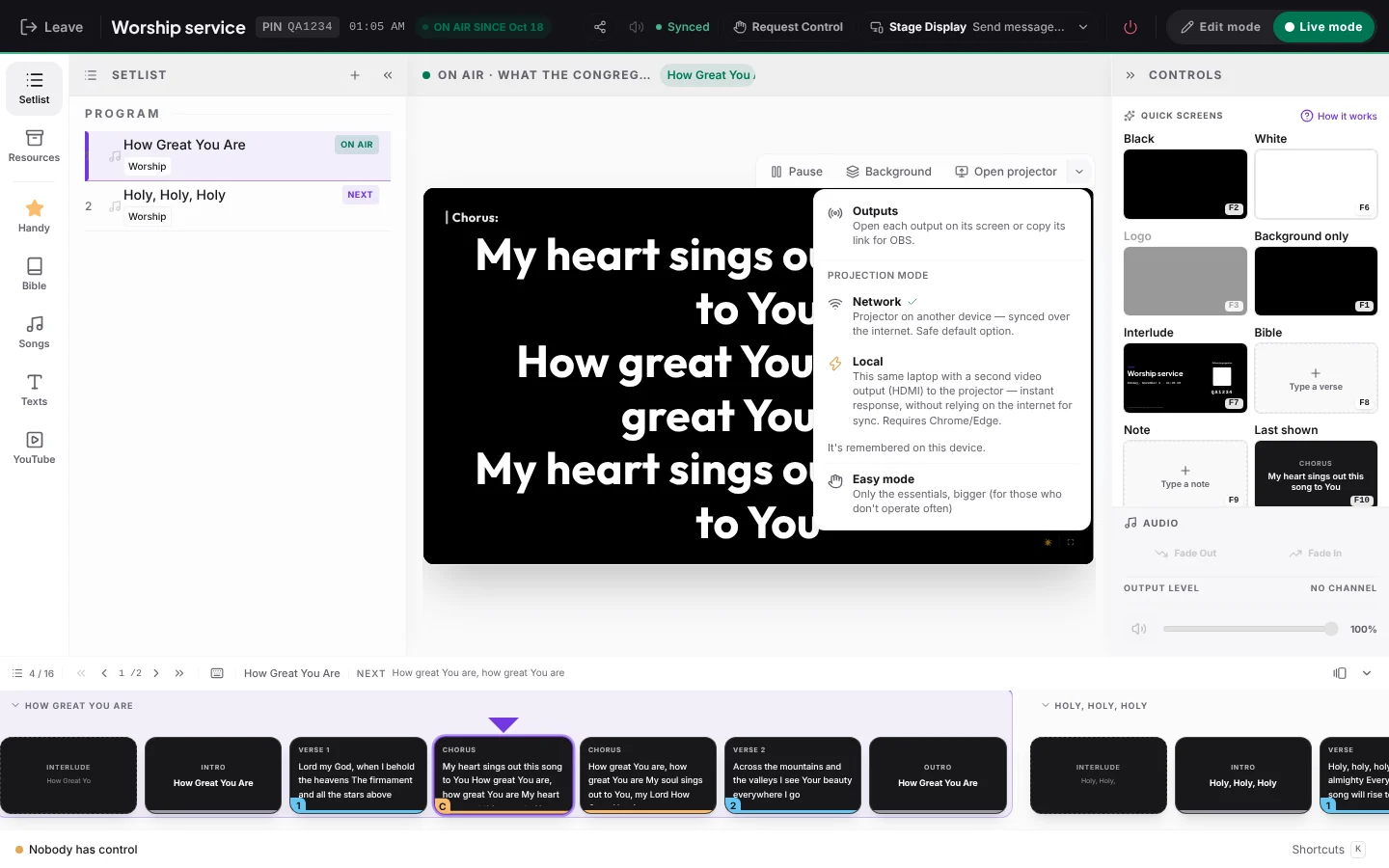
Projecting in church no longer requires a dedicated computer with installed software. If the content lives on the web, any device with a browser can become the projector output.
The minimum equipment
- A computer (or a TV with a browser) connected to the projector or screen.
- A stable internet connection in the building.
- A phone or tablet for the person who will advance the slides.
Prepare the content ahead
Lyrics, Bible passages and announcements should be ready in the program before the service. During the service, the technician's job is to advance, not to search or type.
Separate who projects from who controls
The projector screen only displays; another person controls it from their phone or from the master panel. That way the projector computer can stay fixed and out of sight.
How to start today
Create your free AdoraSync account and build the program for your next service in minutes.
The step-by-step guide is in How to connect the projector with the program PIN.