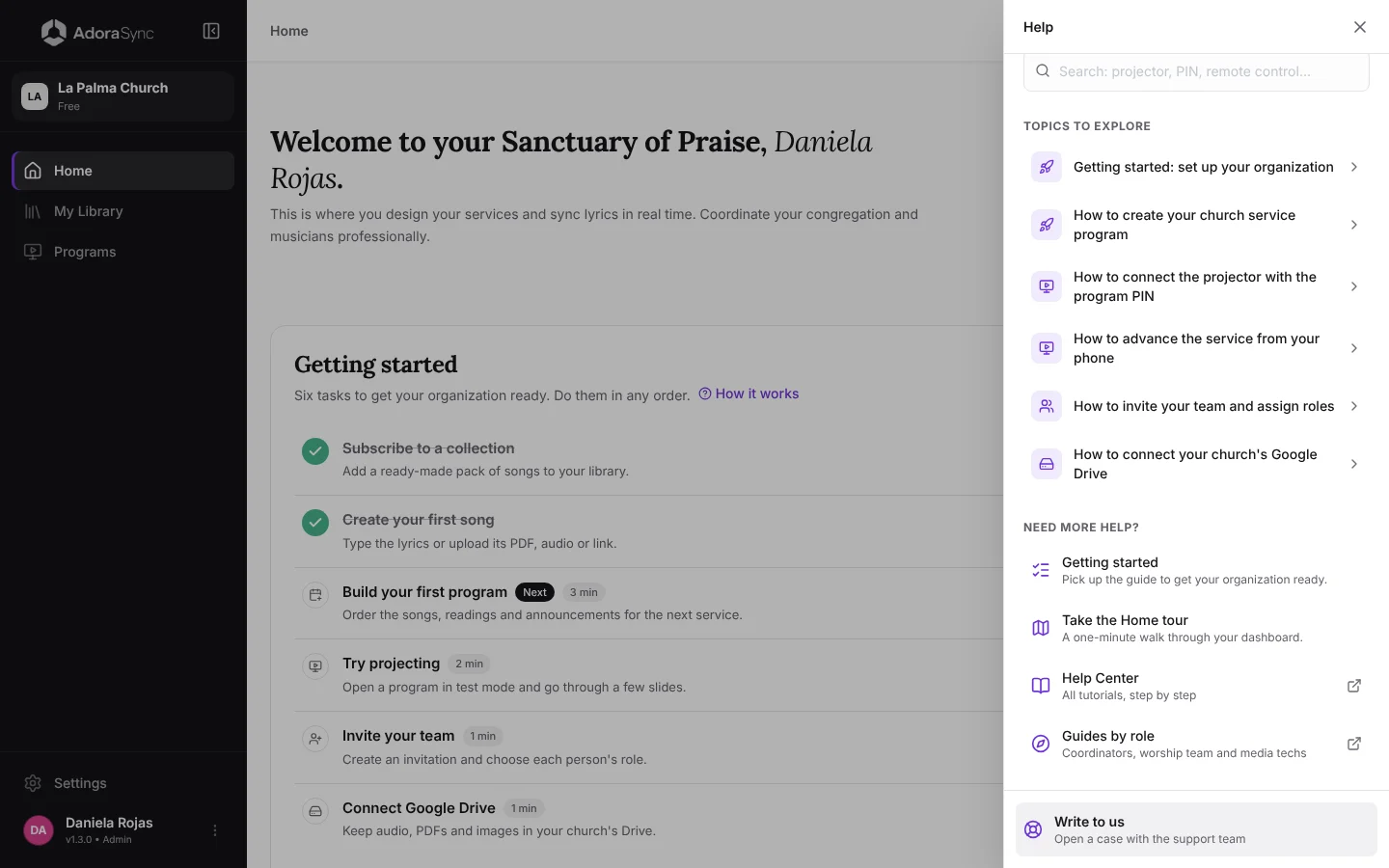
Start here
Getting started: set up your organization
When you create your organization, the AdoraSync Home shows you the Getting started guide: six short tasks to get your church ready before the first service. Each task takes you to the page where it is done and checks itself off when you finish it.
The six tasks
The guide appears on Home for the Admin and the Co-Admin. You can do the tasks in any order; the one that comes next is labeled Next and each one says how many minutes it takes.
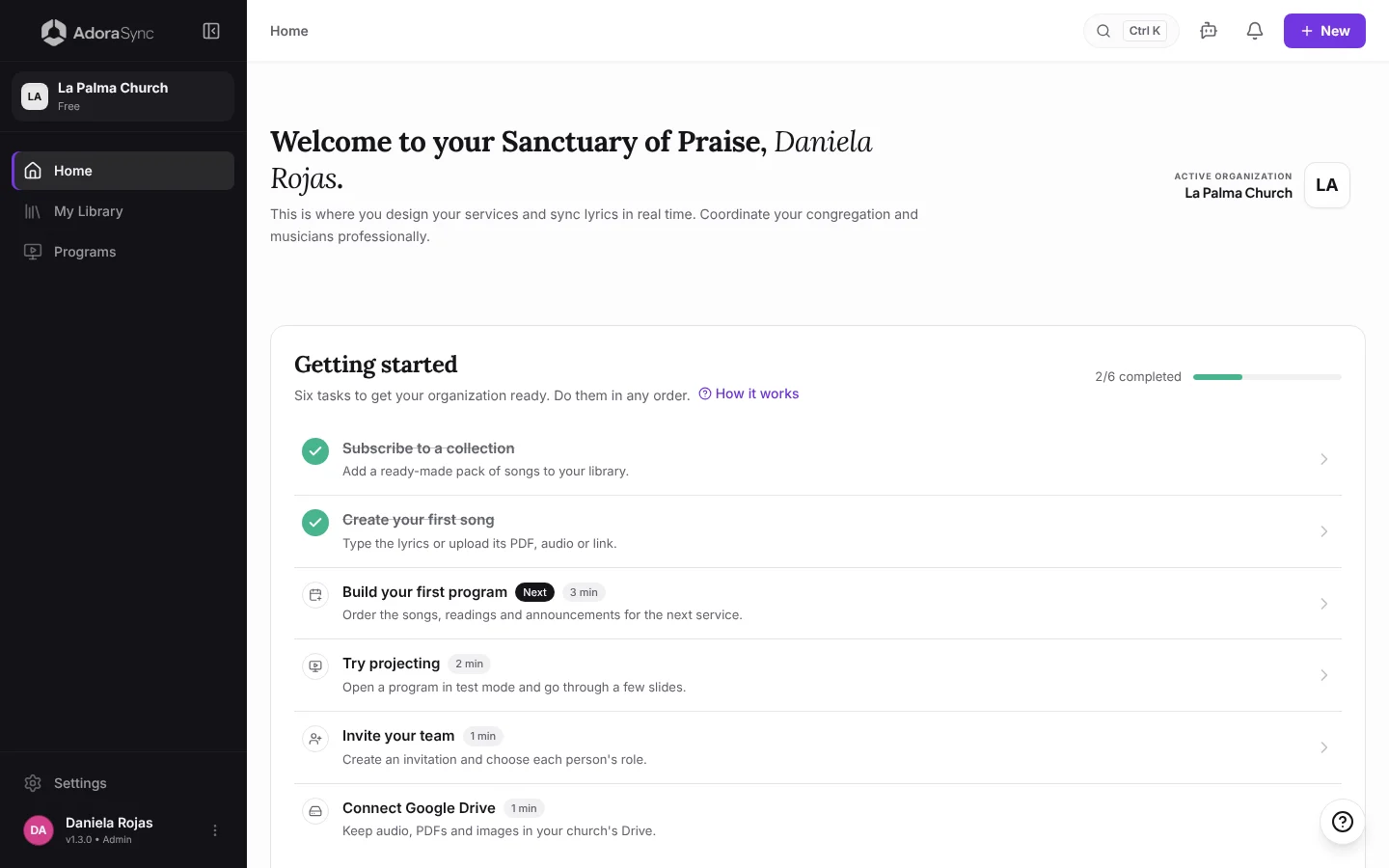
- Subscribe to a collection: add a ready-made song pack to your library.
- Create your first song: type the lyrics or upload its PDF, audio or link.
- Build your first program: put the songs, readings and announcements of the next service in order.
- Try projecting: open a program in test mode and go through a few slides.
- Invite your team: create an invitation and choose each person's role.
- Connect Google Drive: keep audio files, PDFs and images in your church's Drive.
Tip:Tasks are checked off based on what already exists in your organization. If you created a program before opening the guide, it already shows as done.
Go back to the guide
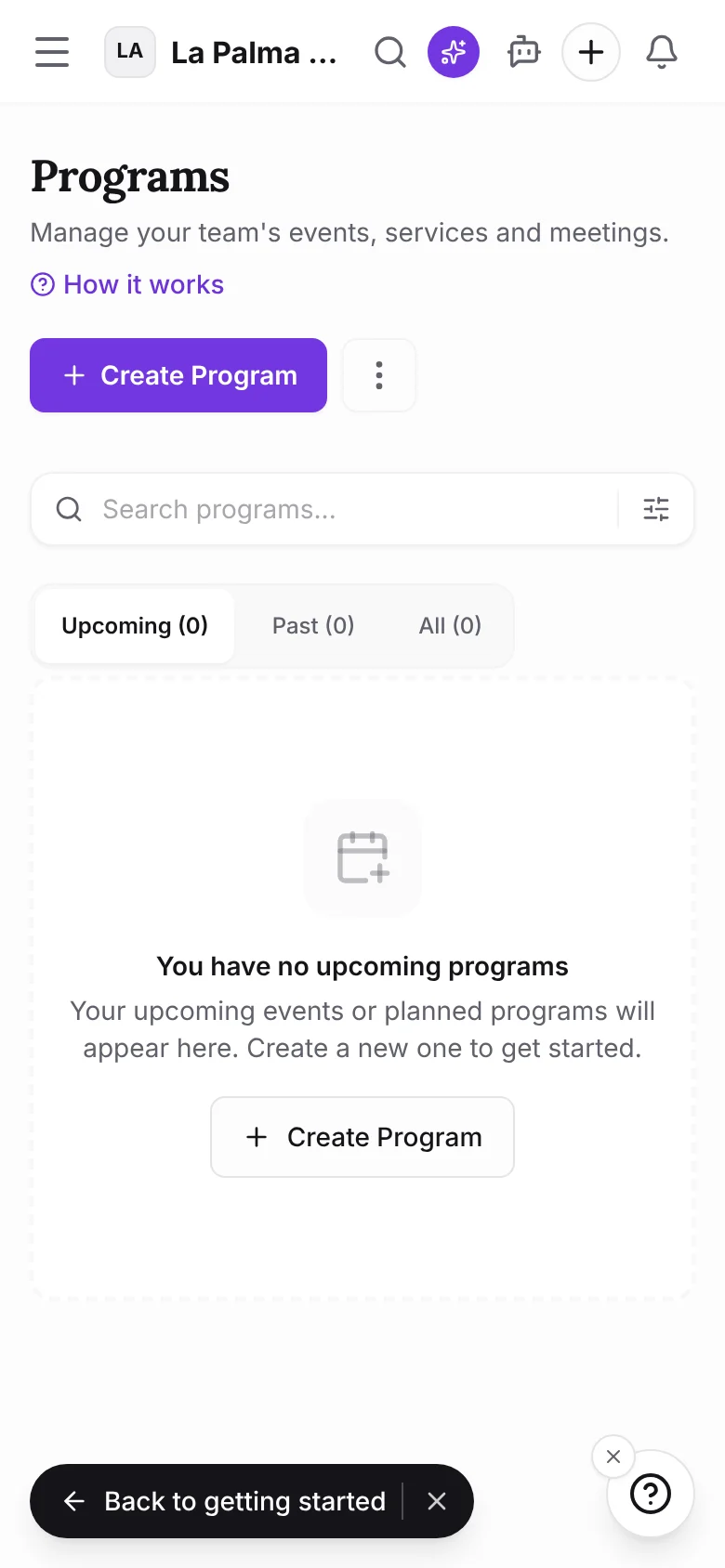
While you work on a task, the Back to getting started button appears at the bottom of the screen. Tap it to return to Home, or close it with the X if you prefer to continue on your own.
When you are done, or if you don't need it, tap Hide at the end of the card. When you complete all six tasks, the card celebrates with a bit of confetti.
Open the guide again
If you hid it, open the help button ? and choose Getting started, or find it in your profile menu. The card comes back to Home with your real progress.
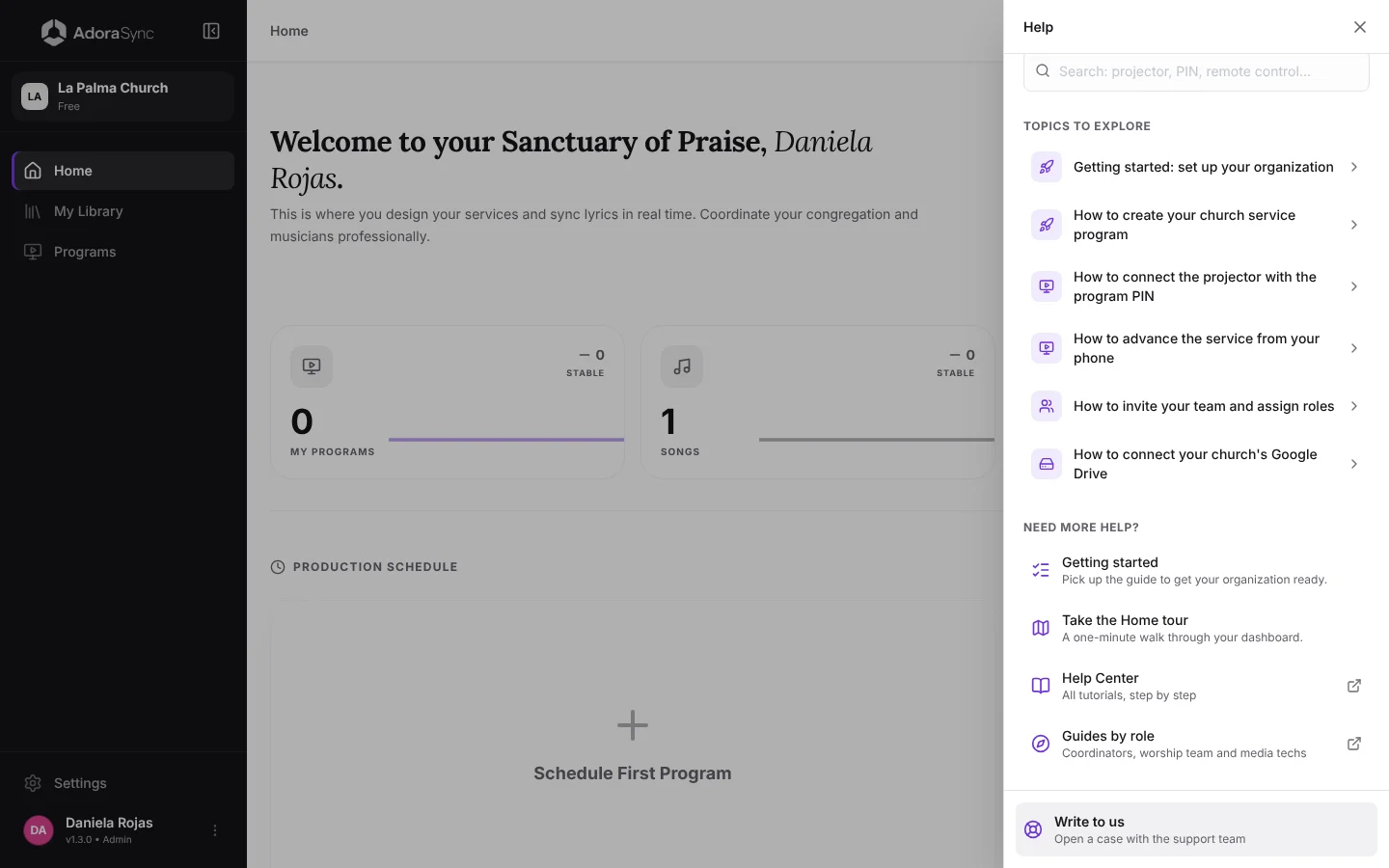
The Home tour
If you want to see what each part of Home is for, open the help button ? and choose Take the Home tour. It is a one-minute walkthrough you can repeat whenever you like.